Remember what you dreamt last night.
Most of it is gone before you are properly awake. Keep your phone by the bed, say what you saw out loud, and let ViviDream sort it out while you get up.
- No account needed
- Records up to 60 minutes
- Speak it or type it
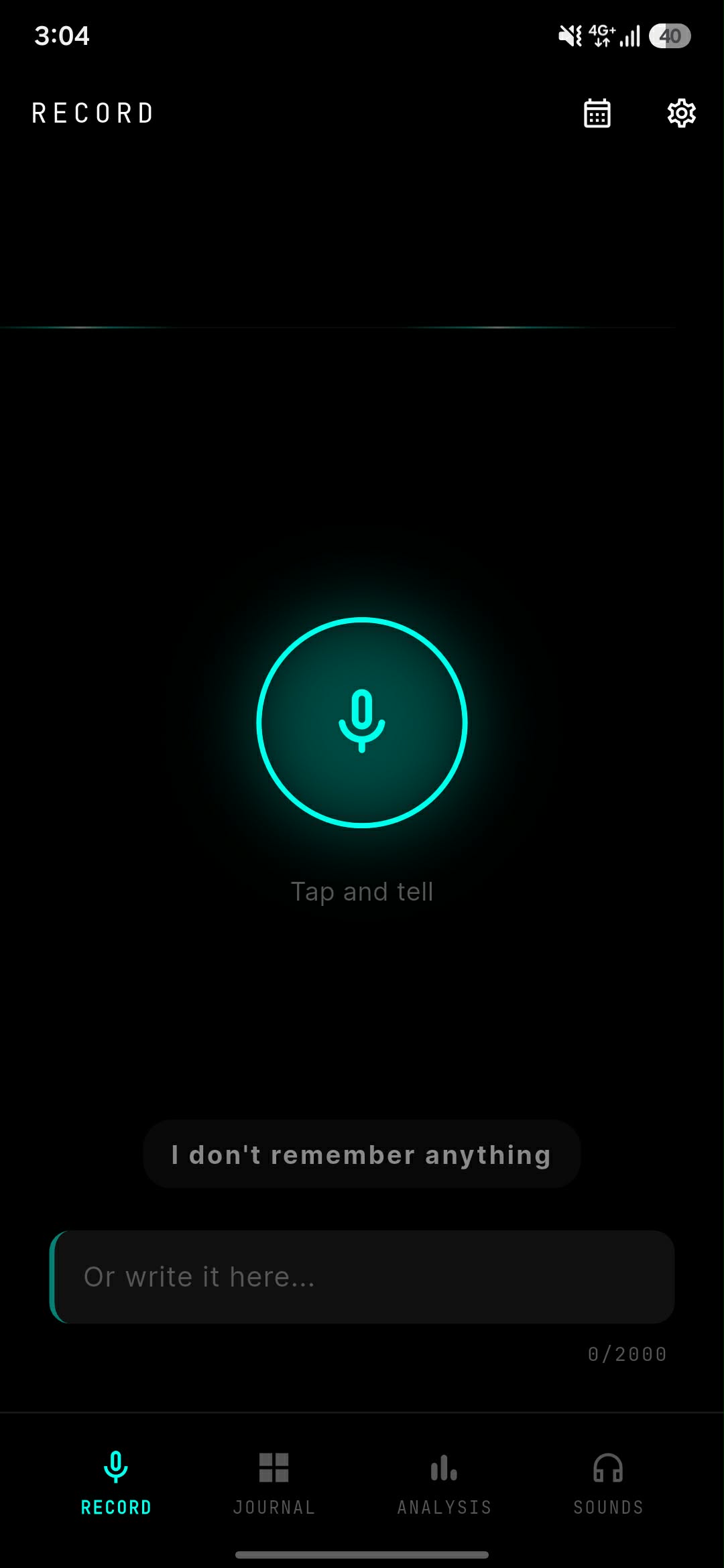
What happens after you talk
You speak for a minute or two. Everything below is what ViviDream does with it while you are making coffee.
Just talk. Eyes closed.
The worst possible time to type is the minute you wake up, so don't. Tap once and start talking, still half asleep, in whatever order it comes out. The recorder waits through your long pauses instead of deciding you're finished, and it keeps going for up to an hour. If you would rather write it down, there is a text box right underneath.
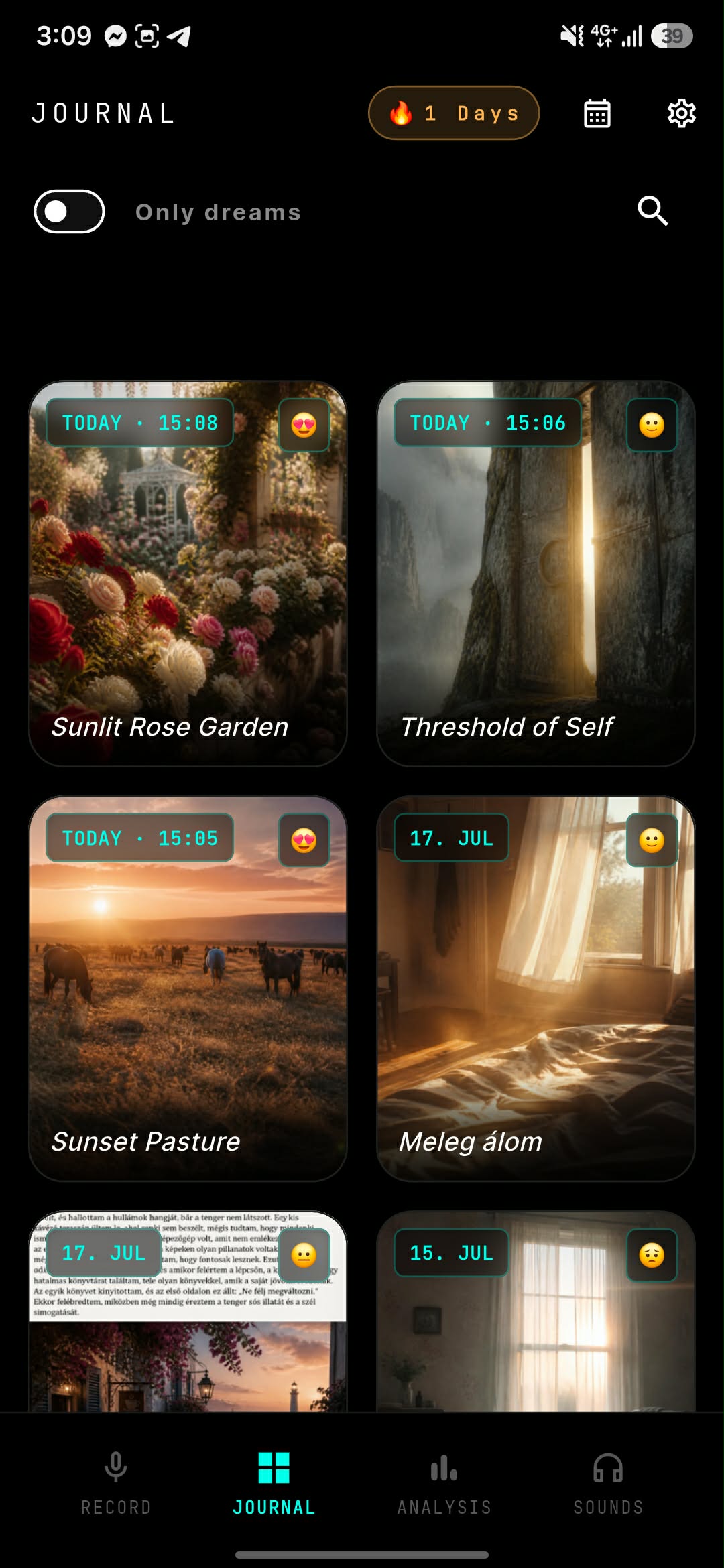
Find out what keeps coming back.
One dream on its own is mostly noise. Twenty of them start to look like something. ViviDream reads back through your entries for the symbols, people and moods that repeat, then tells you in plain language what it noticed. You are free to disagree with it. It is a place to start thinking, not a diagnosis.
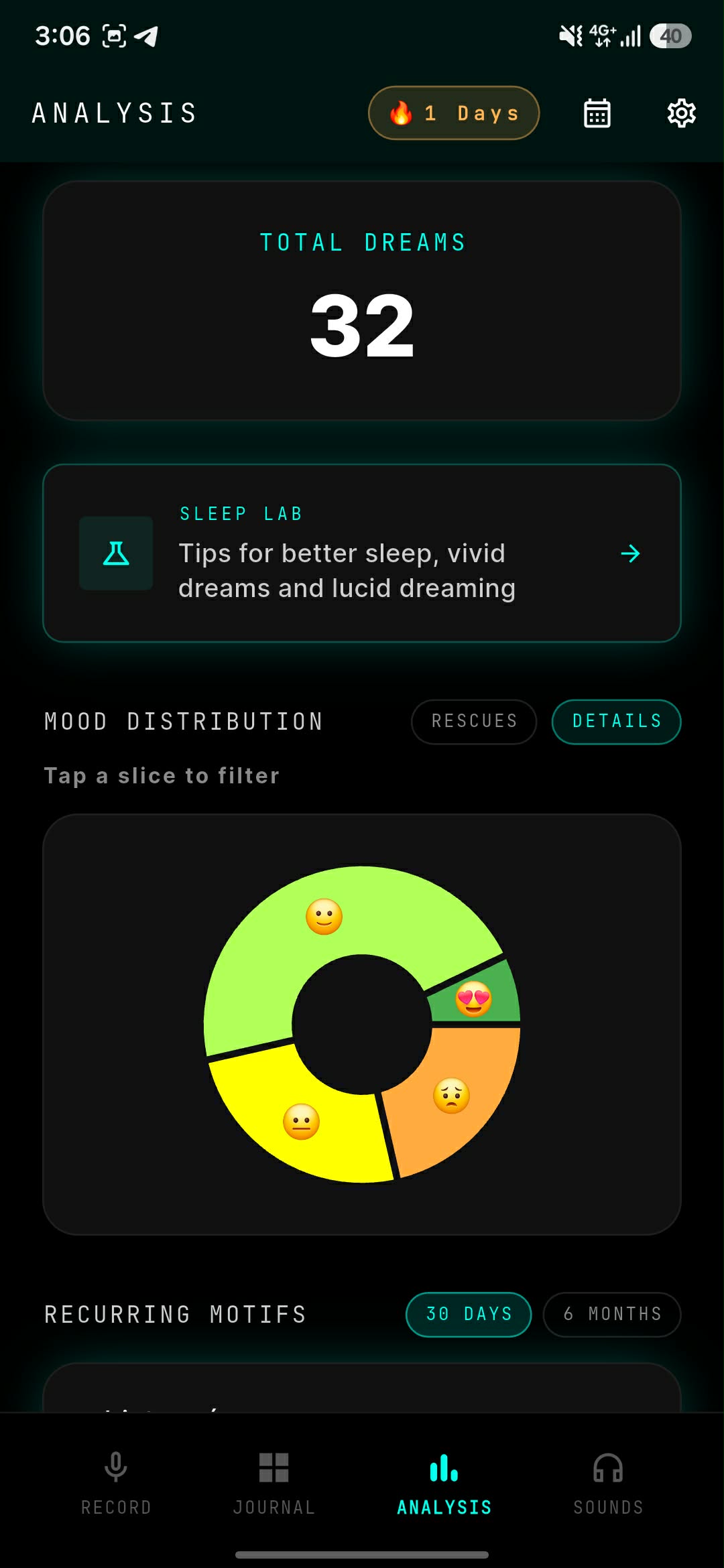
Watch the strange ones back.
Describing a dream out loud never quite lands. Dreamcinema takes what you said and builds it into a short scene, grainy and washed out like a tape that has been rewound too many times. It is the closest you will get to seeing it again, and it finally makes the weird ones easy to show someone.
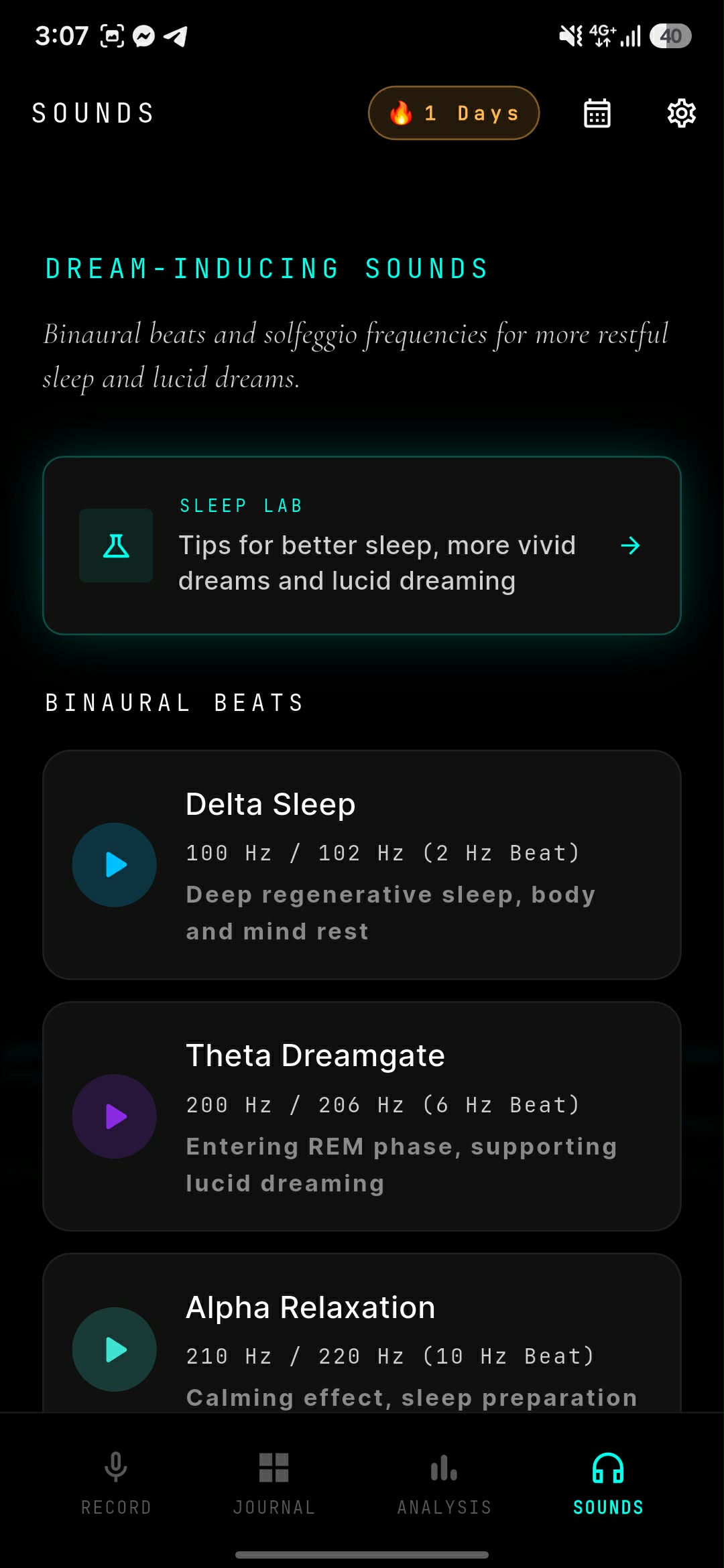
People who kept using it
Not the polished ones. These are the reviews that told us which parts actually matter.
- Rated 5 out of 5
i never write reviews but this one earned it. i've tried keeping a dream journal on paper maybe four times and always gave up around day five. talking into it takes about forty seconds and somehow i've kept it going since january.
- Rated 5 out of 5
I've been lucid dreaming since I was a kid so I assumed I already knew my own patterns. Apparently not. Watching the same two symbols turn up eleven times in one month was genuinely unsettling, in a good way.
- Rated 4 out of 5
Recording and the analysis part are excellent. Dreamcinema is hit or miss for me, sometimes it catches the mood exactly and sometimes it is just pretty nonsense that has nothing to do with what I said. Still keeping it. Would really like a way to regenerate a scene.
- Rated 5 out of 5
the detail that sold me is that it doesn't cut you off when you stop to think. every other voice memo app decides you're finished after two seconds of silence. this one just waits, which matters a lot at 6am when half the sentence isn't there yet.
- Rated 5 out of 5
My therapist asked where I was suddenly getting all of this from and I just read her the entries. Was not expecting an app to end up being useful for that, but here we are. Battery drain is fine too, I leave it recording most nights.
Before you install
Do I need an account to use ViviDream?
No. You can record, store and read back dreams without registering. An account is only needed if you want your entries synchronised across more than one device.
How long can a single recording be?
Up to 60 minutes. The recorder also waits through pauses instead of stopping the moment you go quiet, so you can stop and think mid-sentence without losing the entry.
What if I cannot speak out loud?
Every entry can be typed instead. The record screen has a text field underneath the microphone, so you can write the dream down if someone is asleep next to you.
What does the AI analysis actually do?
It reads back through your entries and reports the symbols, people and moods that repeat across them, in plain language. It is a prompt for your own thinking, not a clinical or psychological diagnosis.
What is Dreamcinema?
Dreamcinema turns a dream you described into a short generated video scene with a grainy VHS look, so you can watch a dream back instead of only reading it.
Which devices does ViviDream run on?
ViviDream is available for Android on Google Play. An iOS version is not released yet.
Who can read my dream entries?
ViviDream does not sell or rent your personal information. Entries are processed by named third parties in order to provide the service, including Supabase for storage and synchronisation and AI providers for analysis and image generation. The Privacy Policy lists each processor and what it is used for.
How do I delete my account and everything in it?
The app has an account deletion option that permanently removes the personal data collected about you. You can also send a deletion request by email to contact@dnbtmedia.hu.
Your next dream is a few hours away.
Install it before you go to bed. Tomorrow morning, before you open your eyes properly, tell it what you saw.